- Call our jargon free hotline
- 01527 908646
- hello@lucidcomputersolutions.co.uk


Protect your social media with MFA
Sadly, my inspiration for this article comes from yet another Instagram account being hacked and taken over. At this moment in time, I’m unsure if the affected person will get their account back at all.
Whilst hindsight is wonderful, this certainly isn’t a case of “I told you so”, this is to stop others from having their Instagram account hacked and taken away from them.
I’ve not only seen this happen this week, but I’ve also seen it happen a number of times over the last few months.
I think I’m probably right in thinking, that in all these cases, MFA has not been set up prior to the problem. I also think that if MFA had been set up, the problem may not have occurred at all.
What is MFA?
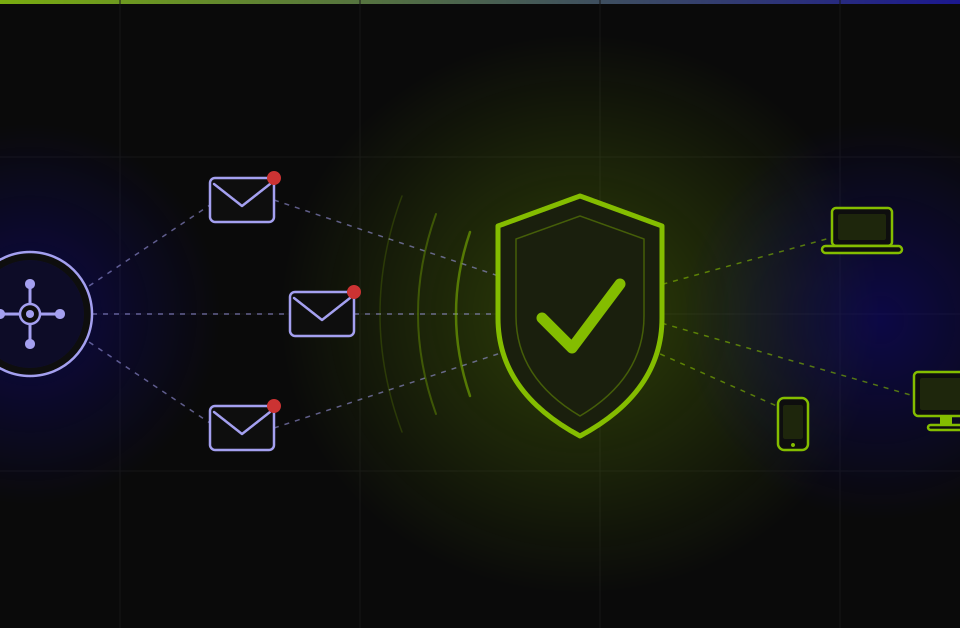
MFA adds a second layer of protection when logging into accounts and services. In this example, I’m using social media accounts as an example, but this applies to many services where a username and password are required.
The second layer of protection comes from needing, normally, a six-digit code that is sent to your mobile phone via a text message, or via an MFA app such as Authy.
This means to log into your account on a new device, you will need your username, password and code.
We know that passwords can be easy to crack (make your passwords as random and as long as possible), but add in the need for the code as well, and you’ve significantly reduced your chances of a hack taking place (but still not impossible).
Action to take, today
If you haven’t set up MFA for your Twitter, Instagram, and LinkedIn accounts – please do this today. It’s quick, easy to do and really, really helps protect your account. Most of the time you will find the MFA settings in your accounts Security Settings area.
When you’ve set it up, if you are provided with some backup codes, please keep them safe, and not on your phone – you need to be able to access these backup codes if your phone was broken or stolen – so for example print them out, and keep them in the middle of the bookshelf, or stash them with a friend somewhere safe.
So please, go and make your social media accounts more secure today. Don’t just read this and think “one day”, as that might be too late!
Gavin Moorhouse is the owner of Lucid Computer Solutions, a Cyber Security-conscious IT Support business, based in the heart of Worcestershire. He used MFA when logging in to create this article.