- Call our jargon free hotline
- 01527 908646
- hello@lucidcomputersolutions.co.uk


Recommendations for your next computer
When it comes to choosing your next computer, it can be confusing can’t it? There’s so much choice for the specifications and how much they cost. Does a £200 computer do the same thing as a £1000 computer? Does the processor inside the computer make that much difference?
An important note before we get started, we’re looking at this from a business perspective for your average person doing general computer work daily. Typically this would be using several web browser tabs, using Microsoft Office and running Cyber Security software.
Let’s debunk some myths, and outline the things to think about and what it means for your next computer or laptop.
Should my next computer be running Windows, Mac OS or Linux?
This question stirs up the same amount of passion as a local football derby. In this day and age, the software running on the computer shouldn’t matter that much, if the systems you are accessing are hosted online in the Cloud. Having said that, for businesses, which is the main audience of this newsletter, in very general terms it is probably best to go with Windows on the computer. Why I hear you ask? Well, most people are familiar with Windows having previously used it, and most software used in business simply works without a problem on Windows. That doesn’t mean it won’t work on a Mac, it will, but it may work differently and may look and feel different. As for Linux, we advise only using that if your systems are 100% Cloud-based and you can do everything via a web browser. We’re quite technical, but even we can’t get a printer to work on Linux! You can read more about Operating System choices by clicking here.
What processor do I need?
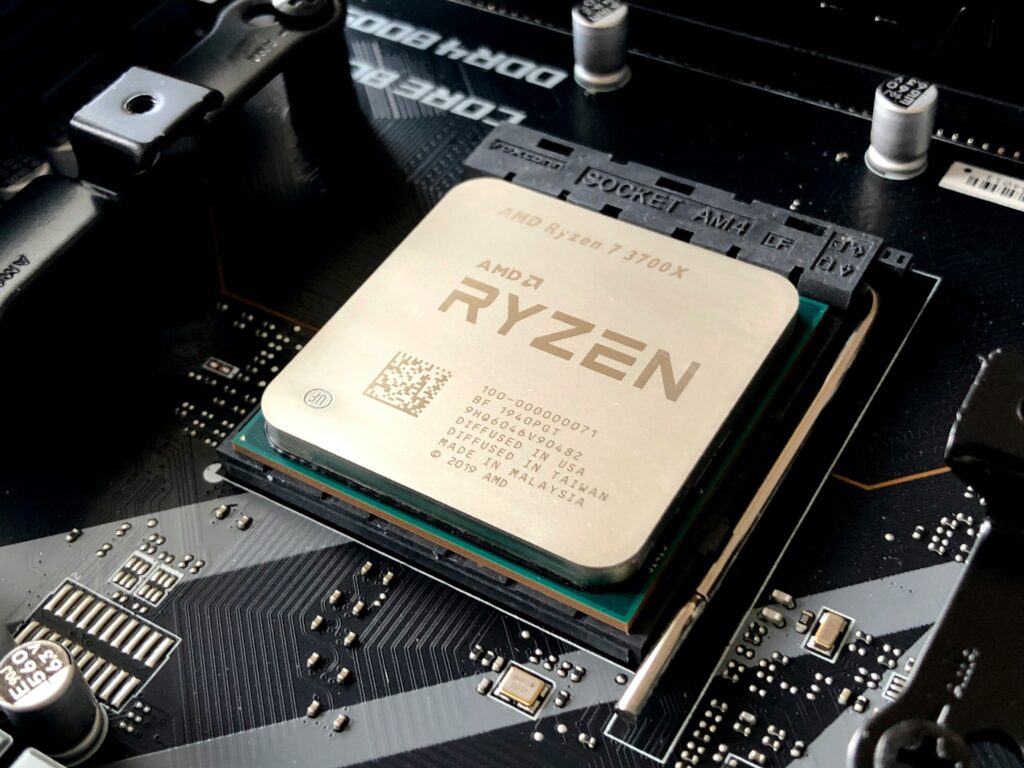
When it comes to processor choice, there are so many variants out there. I’m going to shrink the choices for you to keep it simple. Let’s focus on processors made by Intel, AMD and Apple. When it comes to Intel processors, these are probably the most common processors out there and anything which is an i3 and upwards will probably be fine for general business use. This means if the computer has an i3, i5 or i7 Processor, it will be fine for business use. The higher the number, the faster and better the processor, so if your budget can extend to it, perhaps aim for an i5 Processor. Do not go for one of the super cheap computers with a Pentium Gold or Celeron Processor, you will regret it. They are just too slow for business tasks, unless your computer is running Linux (as Linux does not require much in terms of processing power). AMD offers similarly powered processors, which you will refer to as Ryzen 3, Ryzen 5 or Ryzen 7 – the same principle applies here, the higher the number, the better the processor. Aim for a Ryzen 5 Processor for business use. If you’re going for an Apple Mac computer, quite honestly even their slightly dated M1 Processor is still lightning fast so I’d go as far as saying not to worry about Processor choice in a brand new Apple Mac, as they are all super fast.
How much RAM/Memory do I need?
The short answer here is, at least 8GB of Memory, ideally at least 16GB of Memory. Please note this is memory and not storage on the computer. The more memory you have, in general terms, combined with a decent processor, the quicker your computer is. If you’re on a budget and your new computer has an i3 Processor with 8GB of Memory, that’s OK for most things. If you’re able to spend a little more, then a computer with an i5 Processor and 16GB of Memory will be super fast and last you a longer amount of time before you need to replace it. You can read more about memory choices here.
We hope that gives you some pointers, on what to look for and what not to look for, along with the impact this will have on your everyday computer experience.
Gavin Moorhouse is the owner of Lucid Computer Solutions, an IT Services business based in Redditch. He produced this article using a £200 laptop running Zorin Linux.