- Call our jargon free hotline
- 01527 908646
- hello@lucidcomputersolutions.co.uk


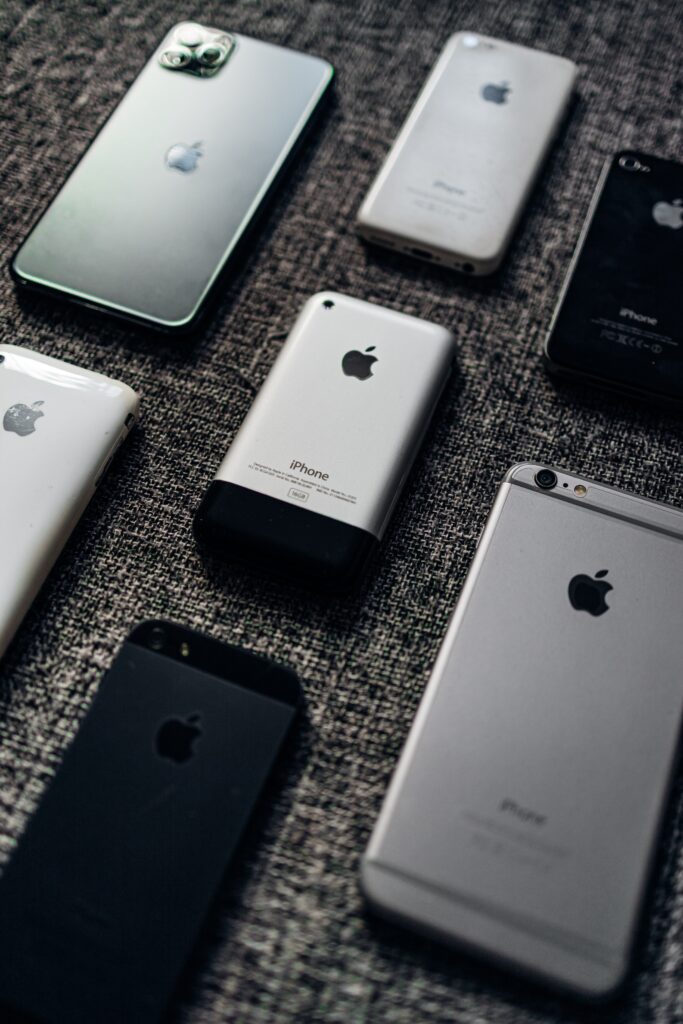
iPhone & iPad: Weak Wi-Fi security message
If you’ve had a message on your Apple device, such as an iPhone, iPad or iMac, that says something along the lines of “Weak Wi-Fi security”, you might be wondering what this actually means, and where the problem is.
Firstly, there is no problem with your Apple device. You do not need to go tinkering with the device to try and resolve this problem, our advice is to leave the phone, tablet or computer well alone so as not to cause further problems. The tinkerers of this world are great at creating more problems than they solve.
This message appears because of the wireless security settings of the device you are connecting to, which most commonly is the Wi-Fi router. For example, if you get this problem at home or in your workplace, it will be the wireless router that is the problem.
In order to stop the message from appearing, and to make your wireless network more secure you need to change the wireless settings on your router or wireless access point so that it’s no longer using the older type of wireless security called WPA.
Using WPA2 or WPA3 is fine – so don’t get confused with that, it’s the original WPA that is the problem (it isn’t called WPA1, it’s simply called WPA or WPA Personal).
In your router or wireless access point settings, there should be the option to set the type of wireless security that is used. You need to set it to something along the lines of WPA2 or WPA3 and ensure you’re not using something called Mixed Mode or just WPA. Once you have set this higher level of wireless security, your Apple devices will reconnect to the Wi-Fi and no longer report the problem with the wireless security settings.
If in any doubt, seek assistance in changing your wireless security settings, from a local business such as Lucid Computer Solutions 😉
Gavin Moorhouse is the owner of Lucid Computer Solutions, an IT Support business based in Redditch that configures secure wireless networks for fun. He prefers to eat apples than use them.




