- Call our jargon free hotline
- 01527 908646
- hello@lucidcomputersolutions.co.uk


What is a strong password/PIN device number?
As part of your overall Cyber Security strategy for your computer systems, using strong passwords and PINs is a top priority. We strongly recommend you make use of MFA/2FA as well.
Having a strong, complex and unique password will reduce the chances of a password compromise, where hackers or bots attempt to steal your password to gain access to the systems that you use.
If you’re using a weak or common password, you may as well leave the front door to your house unlocked and open, with a sign saying ‘help yourself’.
And, on that note, what is a common password? Here are a few examples, of really, really poor passwords. If your password is on this list, then quite frankly, you need to change it immediately:
123456
123456789
qwerty
password
qwerty123
111111
What are the criteria for a strong password?
When it comes to passwords, such as the password to access your computer, access your email or access to a critical business application, you should be using the following as a bare minimum standard:
- At least twelve characters in length, with no maximum length limit
- Have a mix of lowercase, uppercase, numbers and special characters (eg special characters are: !$*)
- Should be unique/private to you (eg not shared with your colleagues)
- Should not contain your name or your business name
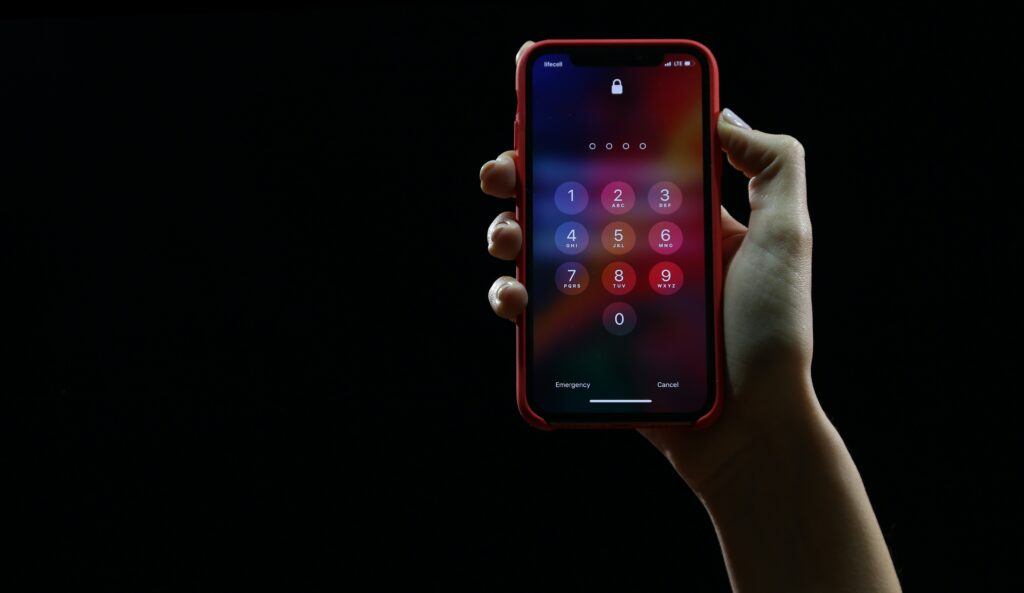
What are the criteria for a strong PIN for a device (eg phone/tablet)?
Any work device, which includes your mobile if you access work resources on it, needs to have a secure access method/PIN setup on it, which meets the following standards:
- Protected/unlocked using biometrics (eg your fingerprint)
- If you’re using a PIN instead of biometrics, then it needs to be at least 6 characters in length and unique to that device (eg not shared/known to be the standard PIN across the business)
This applies to ‘Windows Hello’ as well, which is commonly used for quick access to computers and laptops.
Within a business, this can be rolled out using both written policies/processes and rolled out technically using things like Azure, Office 365 and Group Policies.
If you wish to discuss protecting your Cyber Security in more detail call us on 01527 908646 or email hello@lucidcomputersolutions.co.uk
Gavin Moorhouse is the owner of Lucid Computer Solutions, which is based in Redditch and provides IT Support and Cyber Security Services to local businesses. He had to enter three different passwords to produce this document.